 Kiplinlen
Red Dead Redemption 2 Background Images: Where to Find Them
2 min read
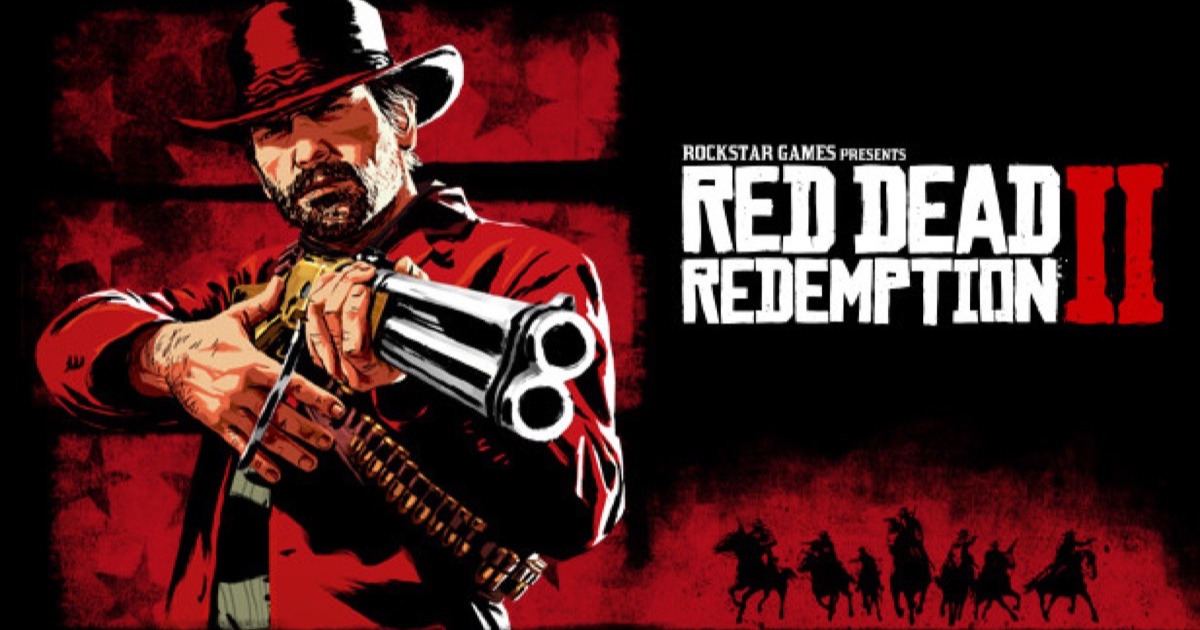
Almost everyone searching this wants a wallpaper rather than a plot summary. Here are the sources worth using, and how to shoot better ones yourself.
Type "red dead redemption 2 background" into a search bar and the results are almost entirely wallpapers, not story explainers. So: where the good files live, and how to make better ones.
Start with official art
Rockstar publishes key art, character portraits and press screenshots through its own site and Newswire posts. These are the cleanest source available — no upscaling artefacts, no site watermark burned into the corner — and they cover the Arthur and Dutch portraits most people are actually after.
The wallpaper aggregators
Alphacoders (Wallpaper Abyss), Wallpaper Cave and WallpaperFlare all hold large RDR2 collections with a resolution filter. Filter to 3840x2160 and scale down; taking a 1920x1080 file and stretching it upward is what makes a desktop look soft.
Shoot your own — it is better
- Buy a camera from any general store early in Chapter 2.
- Use Photo Mode, hide the HUD, and pick a longer focal length to flatten the landscape.
- Shoot at dawn or in fog. RDR2's volumetric lighting is what makes its stills look painted rather than rendered.
- On PC, render above your monitor's native resolution and downsample for a noticeably crisper file.
Sizing without distortion
Match your panel — 2560x1440 or 3840x2160 on desktop, a tall portrait crop on phone. Crop rather than stretch; the game's wide vistas survive a crop far better than a squashed aspect ratio.