 Kiplinlen
Rocket League for Android: Playing the Full Game
1 min read
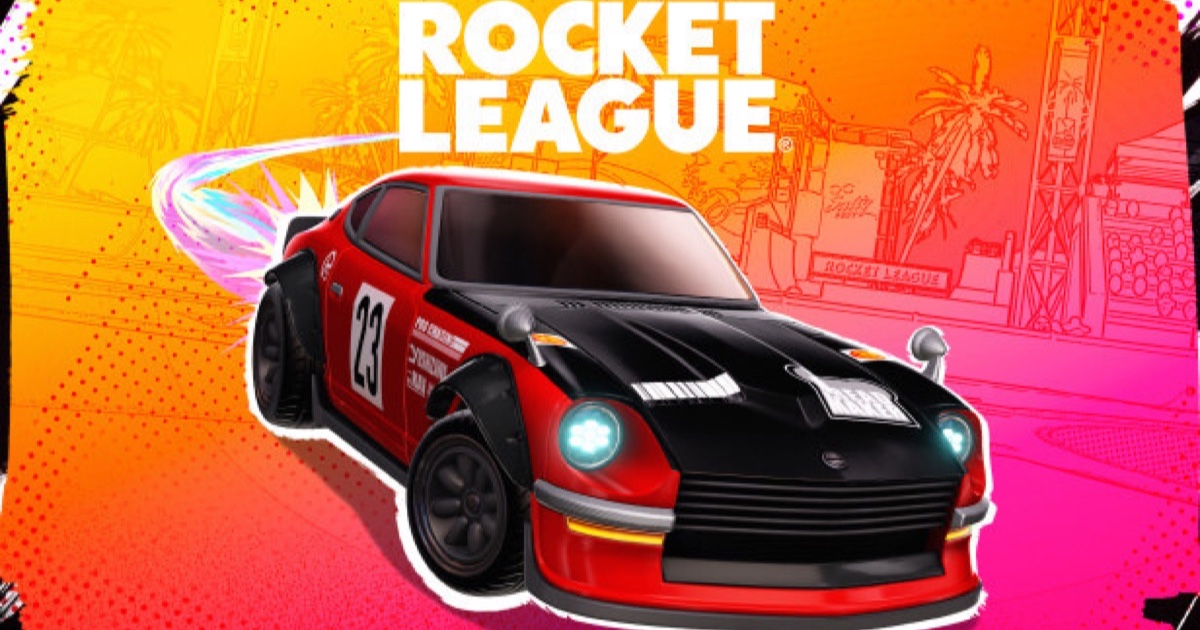
Sideswipe is the native mobile spin-off, but it is not the actual game. For the real 3D Rocket League on a phone, cloud streaming is the route.
Rocket League for Android splits into two answers depending on what you want. Sideswipe is the native mobile spin-off — a separate 2D game. If you want the actual 3D console-and-PC game on a phone, streaming is the route that gets you there.
Cloud streaming is the real answer
Rocket League has long been carried by GeForce Now, playable through its Android app, and has also appeared on Xbox Cloud Gaming for Game Pass Ultimate subscribers. Both run the actual game — full arenas, full physics, the same ranks and inventory as PC and console — rendered elsewhere and sent to your phone.
What you need to set it up
- Install the streaming app (GeForce Now or the Xbox app) from the Play Store.
- Sign in to the service, then to your Epic Games Account inside the stream.
- Pair a Bluetooth controller — touch controls are a real disadvantage here.
The trade-off
Latency is the whole story. A wired connection and a nearby server region make streamed Rocket League playable at a casual level; a weak one makes it unplayable.
Checking availability
Library listings shift as deals change, so confirm Rocket League is still listed before assuming it is there.