 Kiplinlen
Valorant Icon: Changing Yours and Where They Come From
1 min read
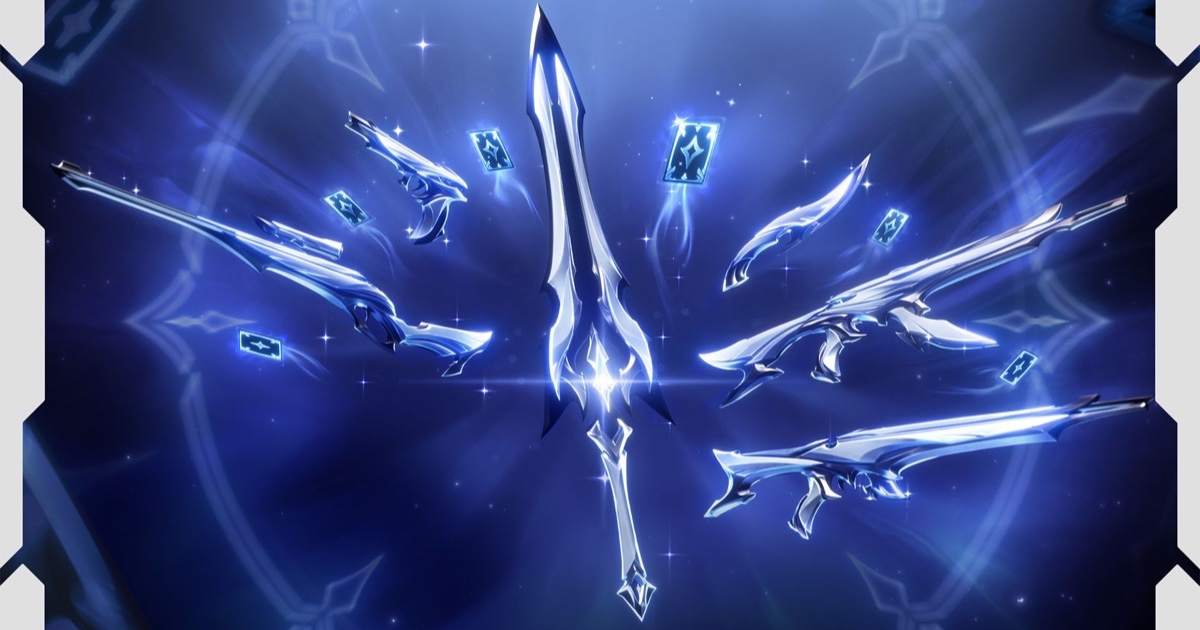
There is no avatar slot in Valorant — the icon beside your name is cropped from your player card. Here is how to swap it and what the other icon sets mean.
Search for the Valorant icon and you get two different things back: the circular avatar beside your name in-game, and the app logo people want for a profile picture. They are unrelated, so here is both.
Your in-game icon is a player card
Valorant has no separate avatar slot. The icon shown on your friends list, in the lobby and on the Competitive leaderboard is cropped from whichever player card you have equipped. To change it:
- Open Collection from the top menu.
- Choose Player Cards.
- Pick one and hit Equip.
Cards come from agent contracts, battle pass tiers and the store. Every agent contract hands you one on the way to tier five, so you never have to spend anything to change how you look.
Role and rank icons
The four class symbols — Duelist, Controller, Initiator and Sentinel — appear in agent select and on most third-party stat sites. Rank icons are the separate chevron badges running from Iron up to Radiant.
The desktop icon
That one comes from the Riot Client install. If your shortcut has turned into a blank page it is pointing at a moved executable — delete it and make a new one from the Riot Client.