 Kiplinlen
Baldurs Gate 3 Discord: Finding the Server That Is Actually Official
2 min read
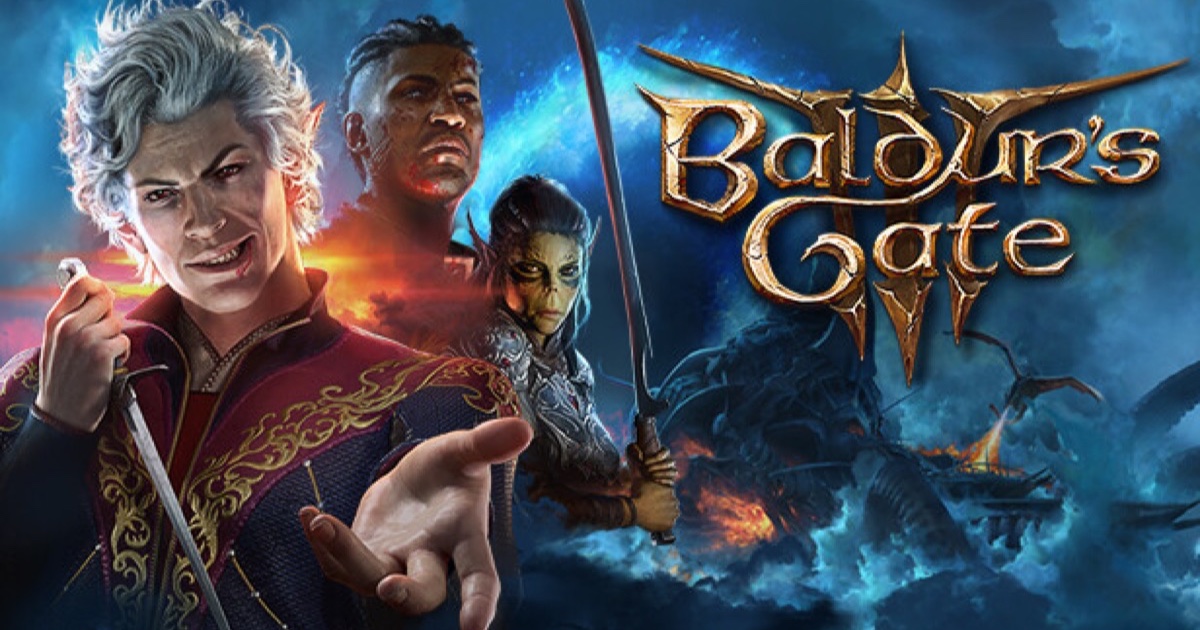
Search results for a game this big turn up dozens of servers with near-identical names. Here is how to find the real one and what it is for.
A Baldurs Gate 3 Discord search turns up more than one result worth clicking. Fan communities, class-specific servers, mod servers and a handful of opportunistic scam invites all share overlapping names, so the reliable way in is never the search results themselves.
Get the invite from Larian, not a search engine
The trustworthy route is the invite posted through Larian's own channels — its official website, its Steam community hub, or its verified social accounts. A link pasted into a forum comment or a video description proves nothing on its own; invite links can be copied and reposted by anyone.
What the official server is actually for
Like most large game Discords, expect it structured around:
- Official announcements and patch notes, posted first rather than summarised secondhand.
- General and class-specific discussion channels.
- Looking-for-group channels, useful mainly for multiplayer campaigns.
- Spoiler-tagged channels, since companion and ending content is exactly the kind of thing people want to avoid stumbling into.
Why the "official" label matters here
Larian is a studio with a support team, not a round-the-clock moderation operation. Servers impersonating the official one typically push fake giveaways or "verify your account" links asking for credentials — a real studio's server will not DM you first asking you to click something to keep your account.
The safe habit
Bookmark the invite once you have confirmed it through an official source, and treat every other "official Baldur's Gate 3 Discord" link you come across afterwards with the same suspicion you would a grey-market key site.