 Kiplinlen
Baldurs Gate 3 Interactive Map: What Is Actually Out There
2 min read
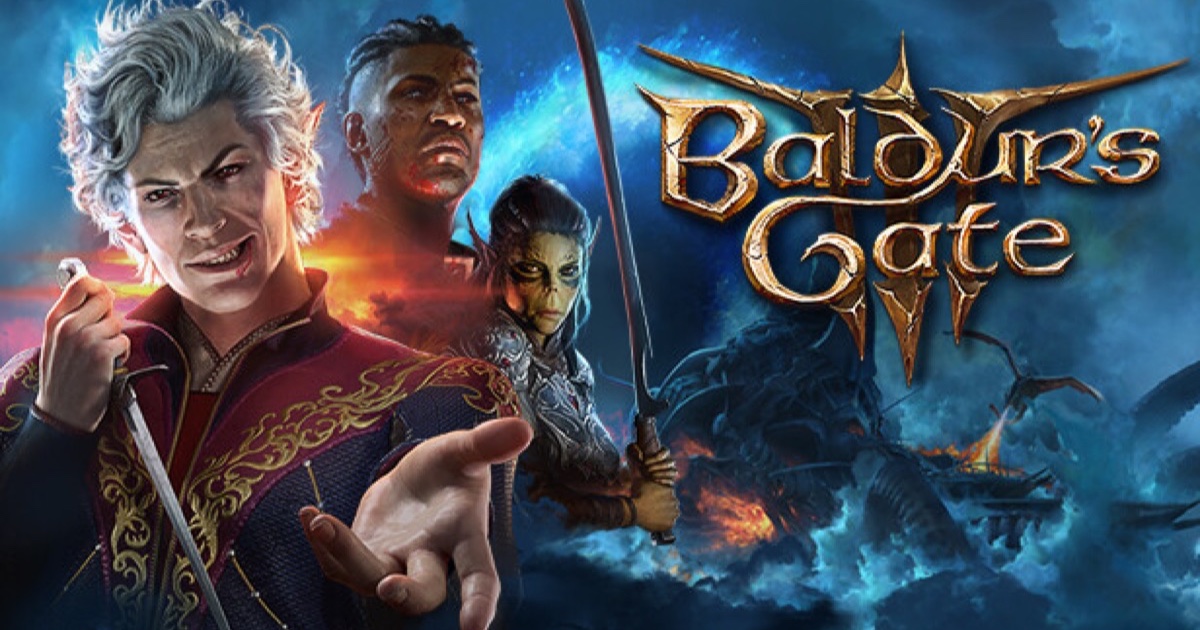
The game ships with no in-built map worth the name. Everything genuinely useful is a third-party project layered over the in-game world.
A Baldurs Gate 3 interactive map is not something Larian built into the game itself — the in-game map is functional for basic navigation but does not track items, NPCs or points of interest in the layered, filterable way players usually mean when they ask for an interactive map.
Why the in-game map falls short
The built-in map shows terrain, fast travel points and markers you have already discovered. It does not let you filter by item type, toggle companion approval triggers, or search across acts — all things that are straightforward for a fan-built tool to add and effectively impossible to retrofit into the shipped UI.
What fills the gap
Community wikis with structured location and quest data, cataloguing every act, region and NPC individually, are the backbone most third-party interactive maps are built from. Map Genie is one such tool referenced directly from community wiki resources as a dedicated interactive map for Baldur's Gate 3, layering clickable markers over the world map by category.
What to actually expect from these tools
Because the game patches regularly and its item and quest data is extensive, coverage on any third-party map depends entirely on how actively it is maintained. A map that has not been updated since an early patch will be missing whatever changed since — treat any specific marker as a starting point to verify in-game, not gospel.
The practical approach
Use the in-game map for real-time navigation while you play, and a community interactive map as a planning tool between sessions — for deciding where to go next, not as a live overlay, since the game does not support one.