 Kiplinlen
Making a PUBG DP That Does Not Look Stretched or Blurry
2 min read
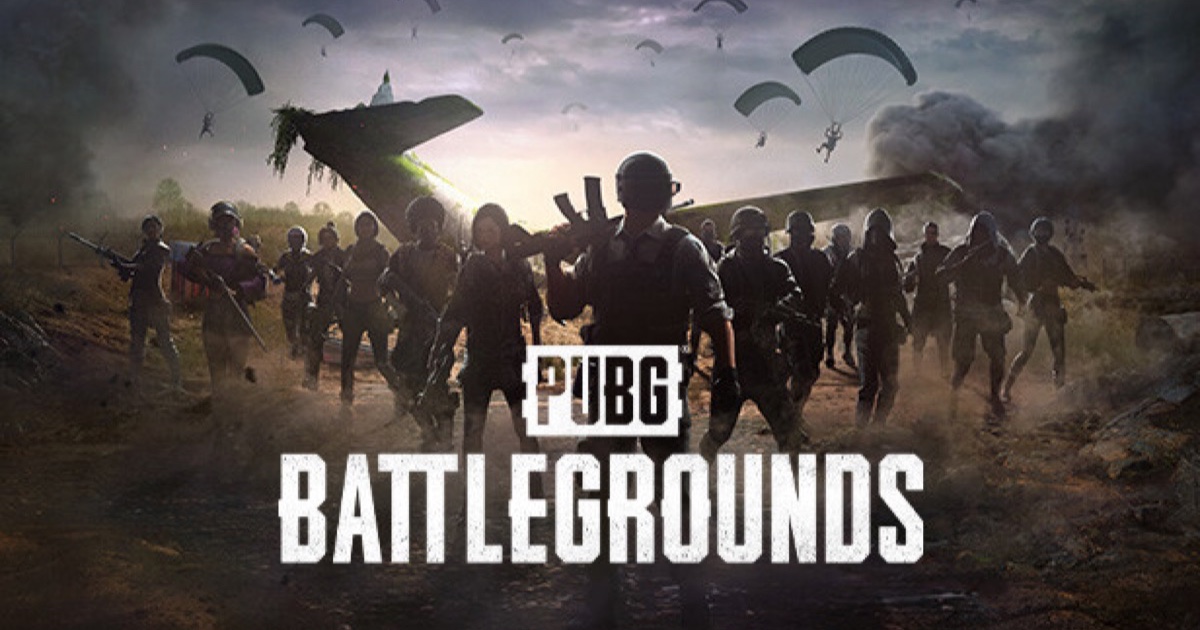
Most bad PUBG DP results come from one mistake: cropping a landscape screenshot into a square instead of framing for it from the start.
A good PUBG DP comes down to two things most people skip: starting from a high-resolution source, and framing it as a square from the beginning rather than cropping one after the fact.
Where to get a sharp source image
In-game photo mode, used after a match, lets you free-fly the camera and frame your own character or a specific moment at full resolution — a far sharper starting point than a compressed screenshot pulled off social media. Official character art from press and promotional material is another clean source if you want something less personal.
Framing it square
Most platforms — WhatsApp, Discord, Instagram — display profile pictures as a circle or square crop regardless of what you upload. Frame your subject centred and with room around it before exporting, rather than cropping a wide landscape shot down after the fact and losing detail at the edges.
The mistakes that make it look bad
- Cropping a 16:9 screenshot into a square without re-centring the subject.
- Upscaling a small image instead of finding a larger source.
- Heavy compression from repeated re-saving through multiple apps before uploading.
Quick fix
If a source image is too small, use it as a background element rather than the main subject — a soft, slightly blurred backdrop hides low resolution far better than a sharp subject does.