 Kiplinlen
Red Dead Redemption 2 iPhone Wallpaper: Sources and Sizing
2 min read
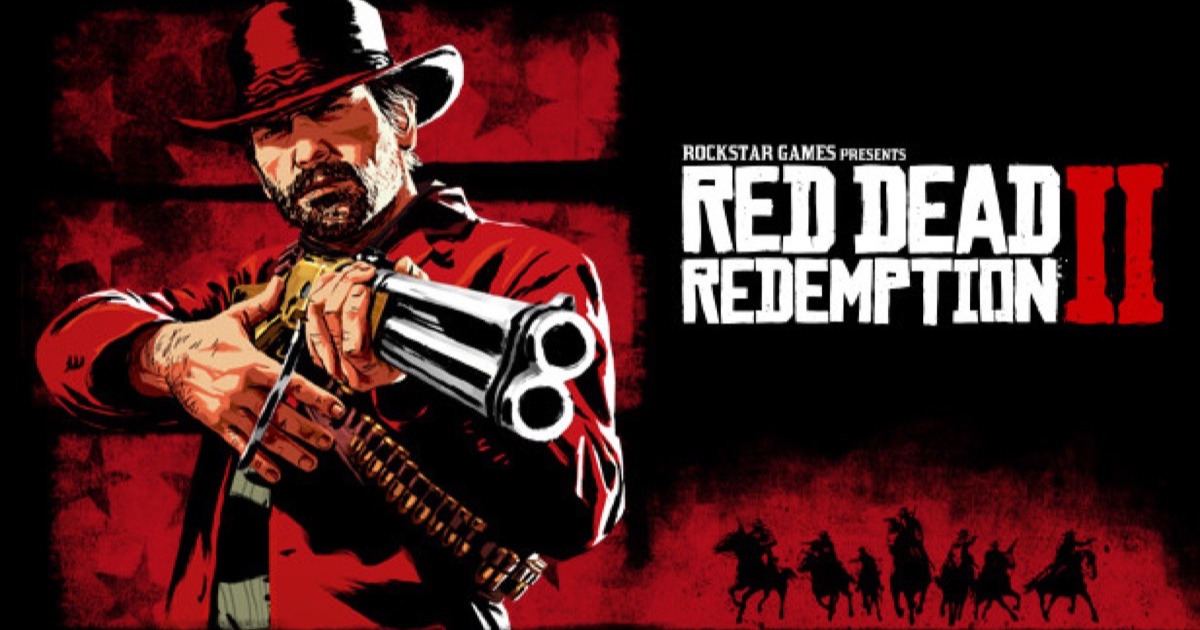
Most RDR2 art is shot wide for a desktop monitor, not tall for a phone. Here is where to find genuinely sharp options and how to crop them properly.
Most Red Dead Redemption 2 iPhone wallpaper searches run into the same problem: almost all of the official art and fan screenshots are shot wide, for a desktop monitor, and stretching that onto a tall phone screen ruins it.
Where to start
Rockstar's own character portraits and key art, published through its site and Newswire posts, are the sharpest source available — no upscaling, no watermark. Wallpaper aggregators such as Alphacoders and WallpaperFlare carry large RDR2 collections too, with resolution filters worth using.
Why most of it needs cropping
Portraits of Arthur, Dutch and the gang are almost always framed for a landscape canvas. Stretched vertically to fill a phone screen, faces distort and the composition falls apart. Crop into the frame instead of resizing the whole image — a tighter crop on a character's upper body works far better than a squashed full scene.
Keep the subject clear of the top
Wallpapers get partly covered by the clock, widgets and camera cutout near the top of the screen. Pick or crop art so the subject sits centred and lower in frame, away from that curve, rather than centring a face exactly where the cutout sits.
If you want something unique
A widescreen Photo Mode shot taken on PC or console, then cropped down to a tall portrait selection, usually beats anything pulled from a wallpaper site.