 Kiplinlen
Rocket League Fan Rewards: How to Earn RLCS Drops
1 min read
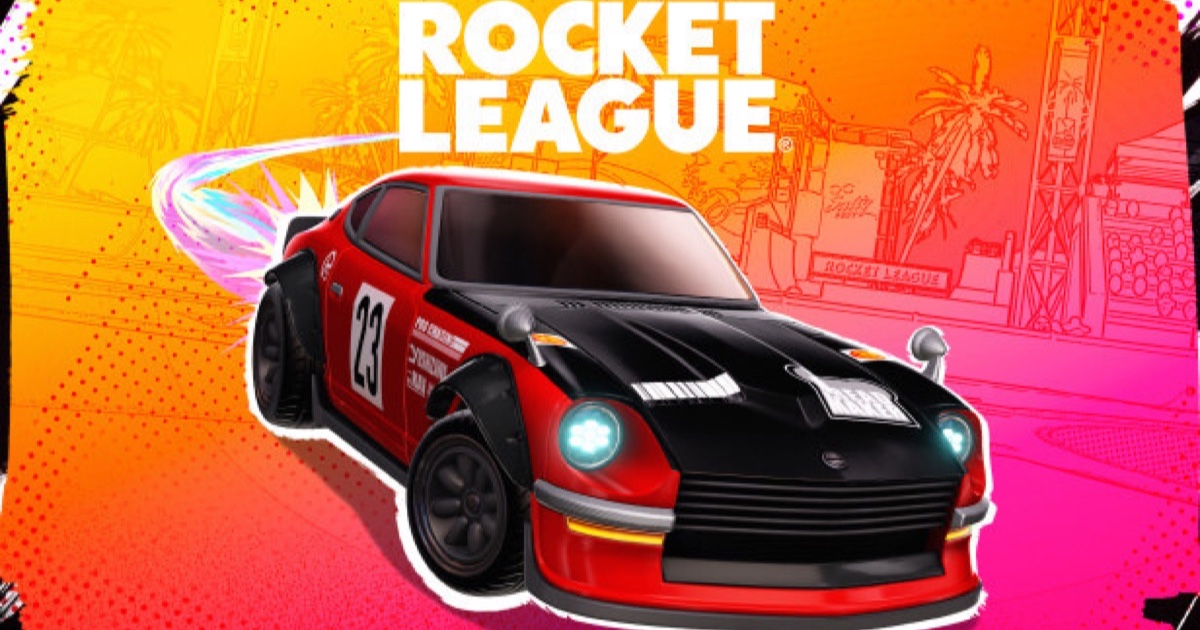
Free cosmetics for watching esports, provided you do the one-off setup first. Twitch drops and TikTok codes work in completely different ways.
Rocket League Fan Rewards is the esports drops programme: watch official broadcasts of RLCS events and free cosmetics land in your garage. None of it works until you have enrolled.
Enrol first
- Open the Fan Rewards page on rocketleague.com and sign in with your Epic Games Account.
- Link your Twitch account.
- Choose the platform you play on — Epic, PlayStation, Xbox, Switch or Steam.
Skip the platform step and the rewards have nowhere to go.
Twitch drops are time-based
Nothing here is luck. Watch a stream carrying the Drops Enabled tag for the stated number of cumulative hours and the item is earned. Official RLCS channels are what count; a community watch party usually is not eligible.
Then claim it. Open your Twitch inventory, hit Claim on each drop, and it appears in Rocket League. An unclaimed drop is a drop you never get.
TikTok drops work differently
TikTok campaigns run alongside the Twitch ones for recent events, including the 2026 majors, and need no account linking. You watch qualifying content, get a code, and redeem it via Settings → Extras → Redeem Code. Thresholds there are counted in minutes rather than hours.