 Kiplinlen
Elden Ring Icon: The Game Logo vs In-Game Symbols
4 min read
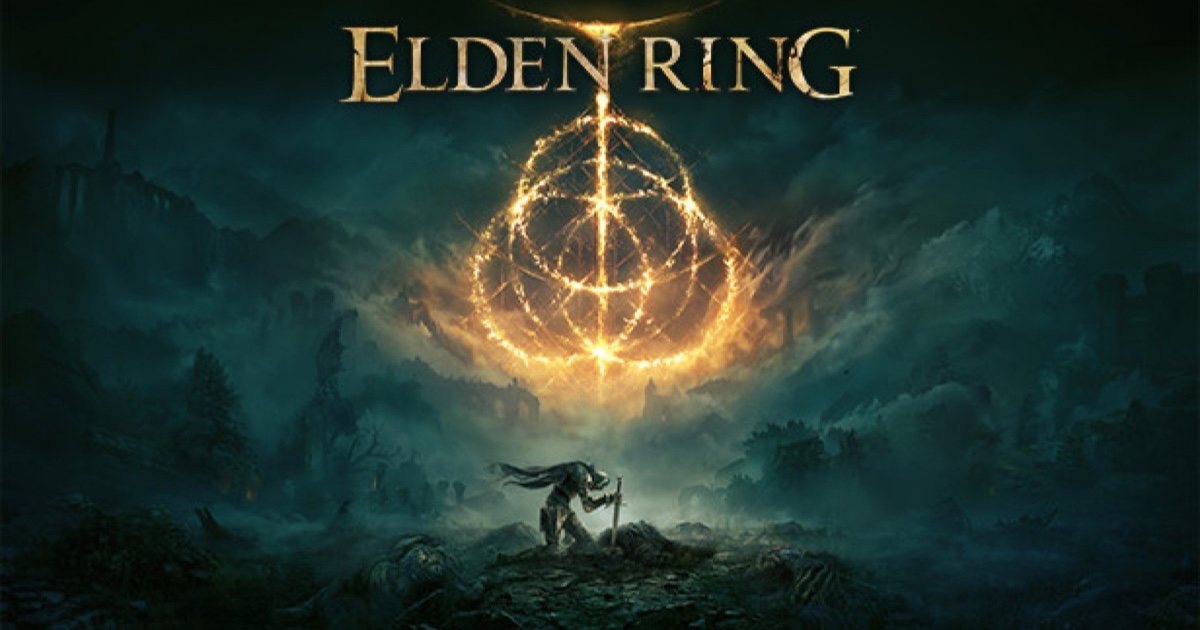
Two different things get called the Elden Ring icon — the game's own logo, and the small symbols scattered across its map and HUD.
Elden Ring icon searches usually mean one of two completely different things, and they are worth separating because the answers do not overlap at all.
One group is looking for the game's own logo — the desktop shortcut, the Steam library artwork, the emblem on the box. The other has the game open in front of them and wants to know what a symbol on the map or under the health bar is telling them.
The game's icon
On Steam, PlayStation and Xbox, the Elden Ring icon is the artwork FromSoftware and Bandai Namco ship as the title's official logo — the same golden emblem used on the case and the store listing. Every storefront uses the same asset, so a different-looking icon on your desktop is a shortcut problem rather than a game one.
Things people actually want here:
- A missing or generic desktop icon. Almost always the OS icon cache, not a corrupted install. Recreating the shortcut fixes it; on Windows, clearing the icon cache fixes the stubborn cases.
- Steam library artwork. Steam lets you replace grid, hero and logo images per game through right-click → Manage → Set custom artwork. That changes only your library, not the game.
- A high-resolution version of the logo. Bandai Namco's press materials are the only official source. Anything else is a fan recreation, and the emblem is a trademarked asset — fine for a personal shortcut, not for merchandise.
The in-game map icons
This is the more common reason people land on the search, and the more useful answer.
| Symbol | What it means |
|---|---|
| Site of Grace with a streaming flame | Points toward the next story objective |
| Plain Site of Grace | A rest point you have already discovered |
| Crossed swords | A boss or field boss marker you have placed |
| Small dungeon entrance | Catacomb, cave or tunnel |
| Item icon on the map | A marker you or another player placed |
| Grace icon with a red mark | Appears after a trap has caught you |
The flame is the one worth learning first. Rest at a Site of Grace and, if a story path leads on from it, golden light streams off in that direction. It is the closest thing Elden Ring has to a quest marker, and it is entirely optional to follow.
Icons under your health bar
These are status effects, and the game never explains them anywhere in a menu. The ones that matter:
- A filling bar rather than an icon — a build-up effect. Poison, Scarlet Rot, Frostbite, Bleed and Sleep all fill a meter before they trigger. Getting out of the area resets it.
- A red-orange flame icon — a buff from a flask or incantation, with a duration.
- A downward arrow on a stat — a debuff, usually from a curse, a status effect that has landed, or an equipped item's drawback.
- A grey weight icon — you are over-encumbered and your roll has changed. This is the one most new players miss entirely.
Map marker icons you place yourself
You get a limited set of stamps for your own map, and they persist across the save. The pointer, the glowing beacon and the themed markers exist so you can tell "come back with a better weapon" apart from "a merchant is here" at a glance. There is no way to add custom text, so the icon itself has to carry the meaning.
The rune and Great Rune icons
The circular emblem on the loading screen and the menu is the Elden Ring itself — the shattered ring of the title. Individual Great Runes each have their own symbol in the inventory, and a Great Rune only shows as active when it is both restored at a Divine Tower and equipped with a Rune Arc consumed.
If your icon looks wrong
Nine times out of ten this is the desktop shortcut rather than anything in the game. Verify the game files through your storefront if you want to be sure — that takes a couple of minutes and rules out an actual install problem before you go looking for anything more complicated.