 Kiplinlen
PUBG App vs the Full Game: What You Are Actually Installing
2 min read
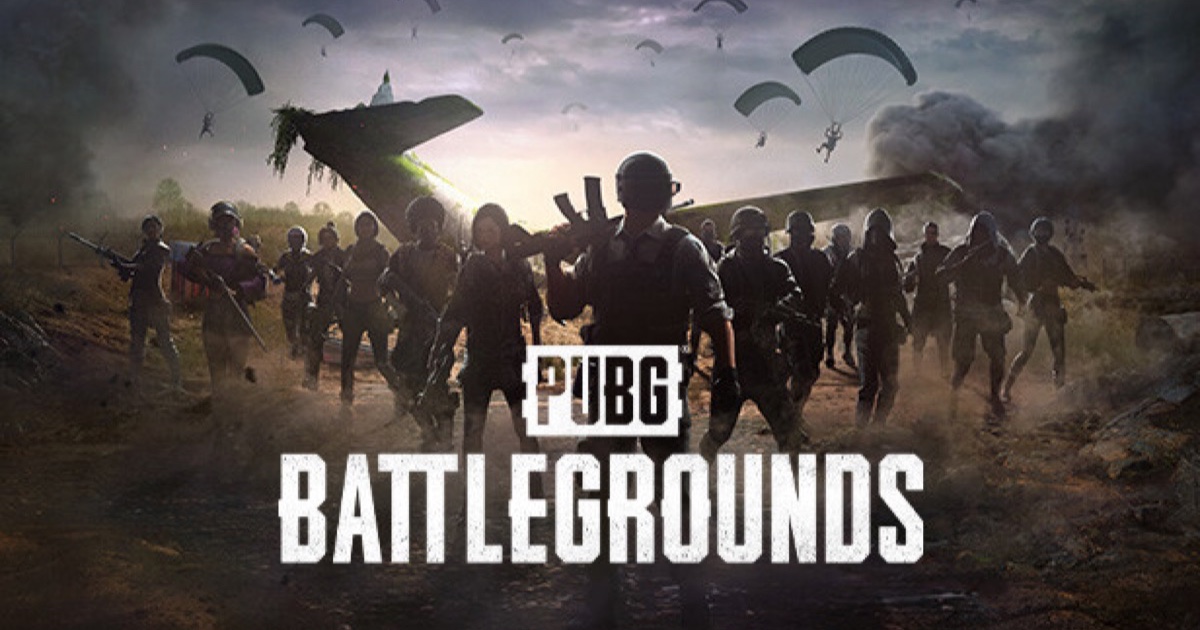
Search "PUBG app" and you will find a mobile game with its own identity, not a companion app for the PC and console version.
A PUBG app usually means one specific thing: PUBG Mobile, the free-to-play Android and iOS build. It is a related but separate product from PUBG: Battlegrounds on PC and console, not a companion or remote-control app for it.
What it is
PUBG Mobile is built around the same battle royale loop — drop, loot, survive a shrinking zone — tuned for touch controls and shorter matches. Progress, purchases and cosmetics are tracked separately from the PC and console versions; there is no shared account inventory between them.
Where it is not available
Two large exceptions matter:
- India — PUBG Mobile has been unavailable since a 2020 government ban. Battlegrounds Mobile India, a separate Krafton app, serves that market instead.
- China — the original app was never released there. Tencent published a modified, censorship-compliant version called Game for Peace instead.
Getting it elsewhere
In most other regions, it installs directly from the Google Play Store or Apple App Store, is free to play, and asks you to link an account — Krafton ID, or a platform login — the first time you launch it.
If you meant something else
Krafton also ships PUBG: New State, a separate mobile-first title with its own app listing, and PUBG: Battlegrounds itself installs through Steam rather than an app store on PC.