 Kiplinlen
GTA 5 Install: Steps and Common Problems
4 min read
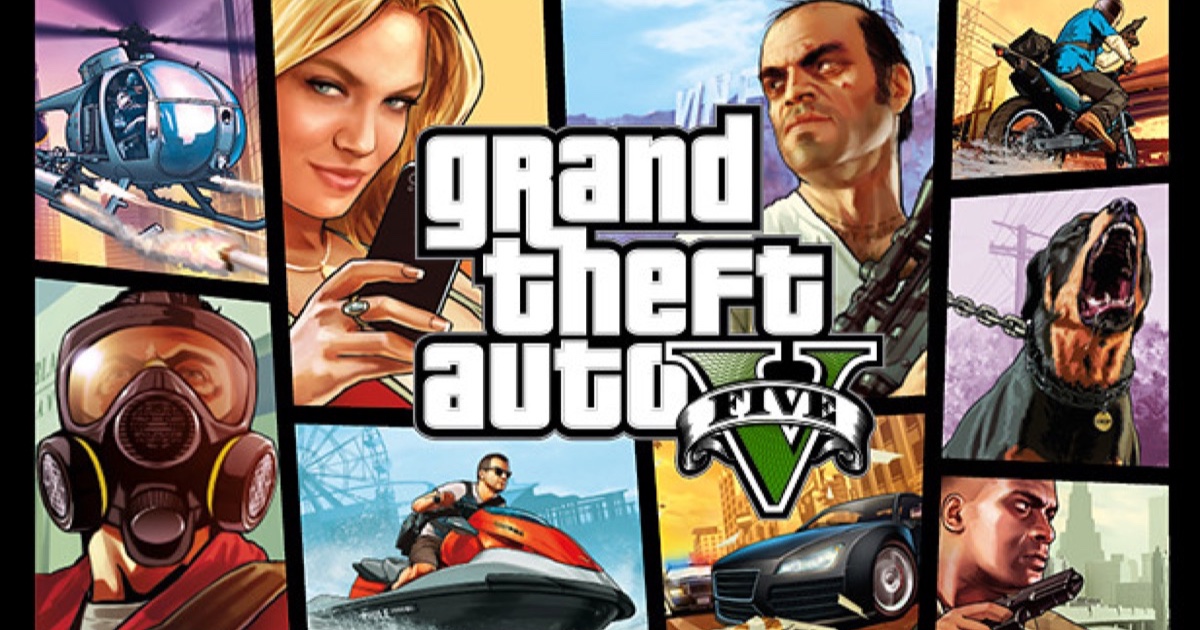
Installing it is simple on paper. Most of the problems people hit come down to disk space, drive type, or an interrupted first launch.
A GTA 5 install is normally uneventful, but the same handful of problems account for most of the trouble people run into — and almost all of them are decided before the download starts.
Before you start
- Confirm free space against the current install size shown on your storefront rather than an old estimate. The game has grown substantially since 2015, and the Enhanced update pushed it further; a figure you remember from a few years ago will leave you short.
- Leave headroom. The installer needs working space on top of the final size, and a drive filled to the last gigabyte is a common cause of an install that fails at 98 percent.
- Install to an SSD where possible. Rockstar recommends it, and an HDD install noticeably slows both loading screens and world streaming once you are playing.
- Close other downloads competing for bandwidth if the install speed looks stalled rather than slow.
The install itself
What actually happens depends on where you bought it, and the differences matter when something goes wrong:
| Storefront | What to expect |
|---|---|
| Steam | Downloads and verifies through Steam, then hands off to the Rockstar launcher on first run |
| Epic Games Store | Same shape; the Rockstar launcher still installs alongside |
| Rockstar Games Launcher | Single installer, no middleman |
| Xbox / PlayStation | Handled by the console; story and online components may install separately |
On console, the story mode and online portions can be listed as separate installs. The game becomes playable when the first of them finishes, which is why it sometimes looks like the install is still running after you have already started playing.
First launch
The first time you open the game it checks in with the Rockstar Games Launcher and your Social Club account, regardless of where you bought it. That check-in is normal, happens once, and can look like a second install because it also builds shader and settings caches on the way through.
Expect the first launch to take several minutes longer than every launch afterwards. Nothing has gone wrong.
If it fails partway
Work through these in order — the cheap checks first.
- Verify game files through your storefront's own tool rather than reinstalling from scratch. Steam, Epic and the Rockstar launcher all have one, and it repairs a partial download without re-downloading everything.
- Check antivirus software is not quarantining launcher files. This is a common cause of installs that stall near the end, and the fix is an exclusion for the game folder rather than turning protection off.
- Restart the launcher as administrator on Windows if the install cannot write to the target folder.
- Try a different drive. A failing drive or a full one both present as inexplicable install errors rather than as a disk problem.
Common error patterns
- Stalls at the same percentage every time — usually a corrupt downloaded chunk. Verifying files fixes it; restarting the download from zero usually does not.
- "Could not connect to the Rockstar servers" — a launcher or account issue rather than an install one. It resolves independently of the download.
- Install finishes but the game will not start — the shader cache or the launcher, not the install. Verify files, then update your graphics drivers.
- Slow to unbearable install speed on console — background app suspension. Closing everything else and leaving the console on the dashboard is measurably faster than installing while a game runs.
Moving an existing install
You do not need to re-download to move the game to another drive. Steam's Move Install Folder and the equivalents in the other launchers relocate it in place, which is the difference between a five-minute job and a 100GB one.
Still stuck
Rockstar Support's own troubleshooting pages cover platform-specific error codes in more depth than any general guide can, and they are the right place for a code you can quote exactly.