 Kiplinlen
Overwatch 2 Crossplay: How It Works Across PC and Console
2 min read
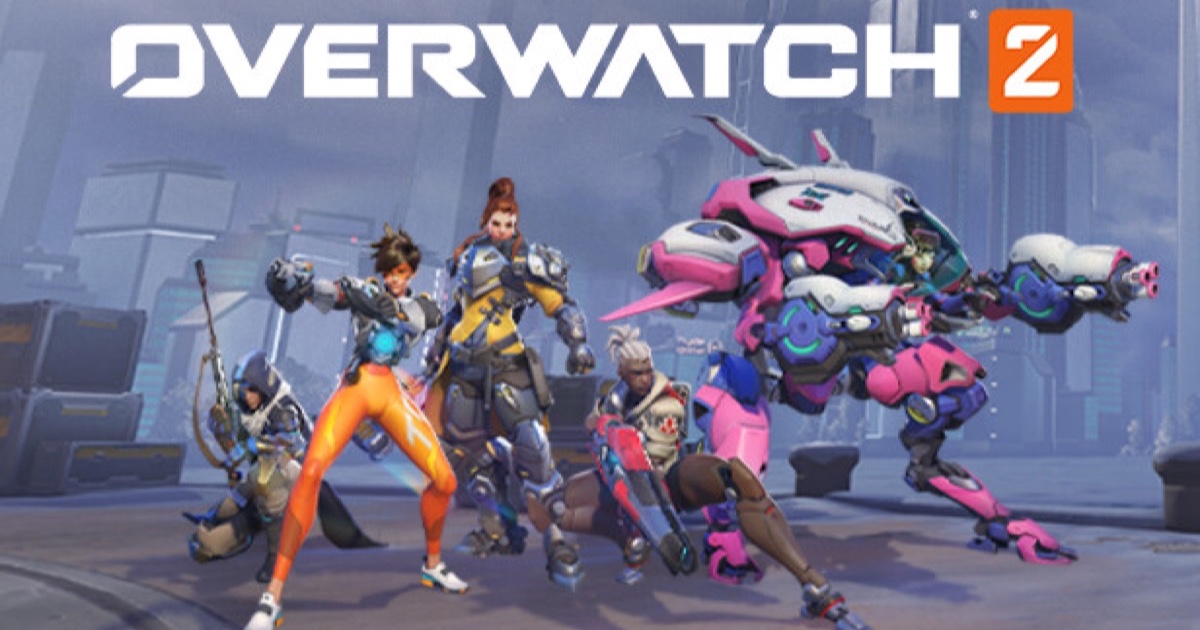
Crossplay is on by default and covers every platform Overwatch 2 runs on — but Competitive keeps PC and console apart. Here is what queues together and what does not.
Overwatch 2 crossplay is switched on across every platform the game runs on: PC, PlayStation, Xbox and Nintendo Switch. You do not have to enable anything to play with friends on a different system — you just need to be in the same group.
Grouping up
Everything runs through Battle.net accounts:
- Each player links their console account to a Battle.net account.
- Add each other as Battle.net friends using the BattleTag.
- Invite from the in-game social menu.
Once grouped, the whole party queues together regardless of what each person is playing on.
Where crossplay stops: Competitive
Casual modes — Quick Play, Arcade, custom games — mix everyone freely. Competitive is the exception: PC and console players are matched in separate pools, because mouse-and-keyboard aim against a controller is not a fair fight.
The practical consequence is the one that trips groups up: a mixed PC/console party cannot queue Competitive together. Console players from different console families can, since they share a pool.
Progression follows the account, not the box
Because progression is tied to Battle.net rather than to a platform, your skins, unlocks and battle pass progress travel with you when you switch between PC and console. Competitive rank is the thing that does not merge — it is tracked per pool, so your console rank and your PC rank are separate numbers.
Turning it off
If you would rather not be matched with other platforms in casual modes, the crossplay toggle lives in Options → General. Turning it off narrows your matchmaking pool, so queues get longer — most players leave it on.