 Kiplinlen
Rocket League Download PC: Where to Get It
2 min read
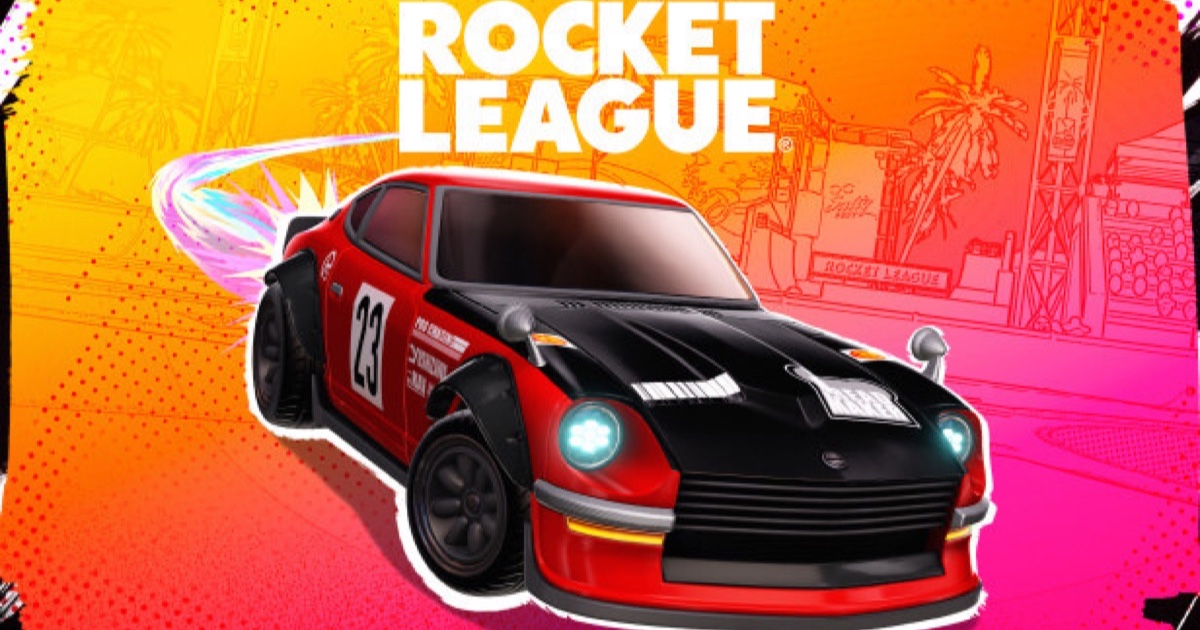
The game is free, but it only comes from one storefront if you are installing it for the first time. Here is the process, start to finish.
Rocket League download PC starts and ends at one place for anyone who does not already own it: the Epic Games Store. Steam still runs the game for people who owned it before the free-to-play switch, but it is not where new installs come from any more.
Getting it through Epic Games Store
- Install the Epic Games Launcher if you do not already have it.
- Search for Rocket League and select Get.
- Sign in with (or create) an Epic Games Account — mandatory regardless of platform.
- Let it install. Budget the full 20 GB the game asks for.
If you already own it on Steam
Launch it from your Steam library as normal. Your Epic account is still what your inventory and rank are tied to underneath — Steam is just the launcher in that case, not a separate progression system.
First launch
Expect a brief patch on top of the base install. You will be prompted to link platforms and set a Primary Platform the first time you sign in, worth doing immediately if you plan to play on more than one device.
Storage tip
20 GB is the base install; patches and cached content push actual disk usage higher over time, so leave headroom beyond the minimum figure.