 Kiplinlen
Rocket League Cloud Gaming: How to Stream It
1 min read
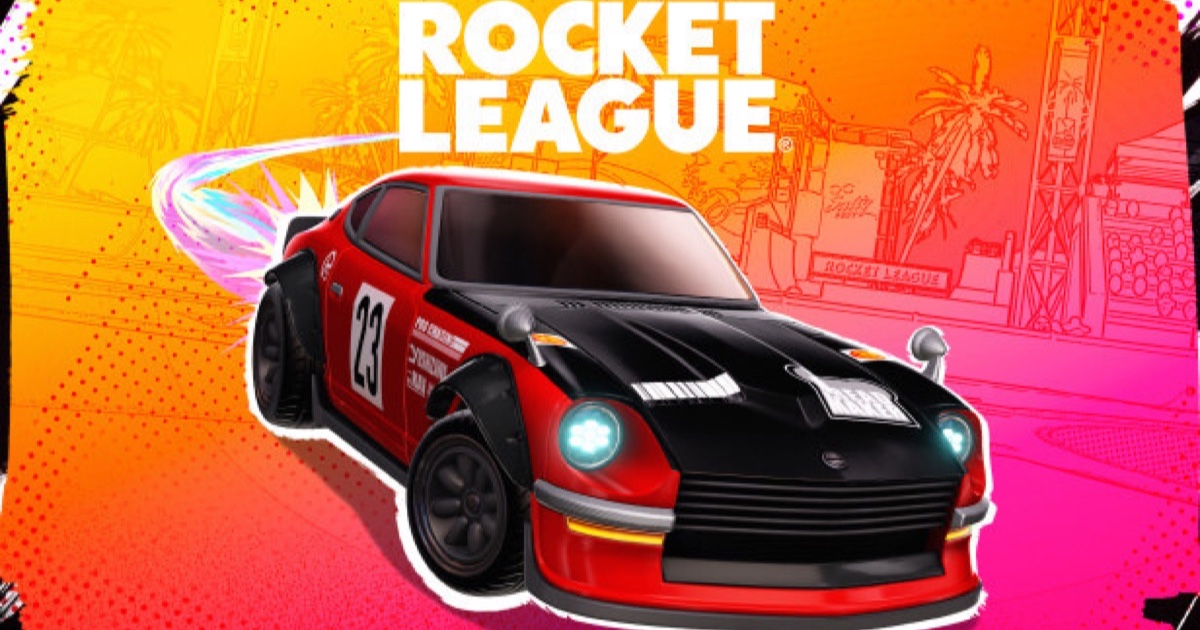
You do not need the 20GB install or a gaming PC to play. Streaming services put Rocket League on phones, tablets and low-power laptops instead.
Rocket League cloud gaming means running the game on someone else's hardware and streaming the video to your device, which sidesteps the 20GB install and the GPU it normally asks for.
The services that carry it
Rocket League has been a long-standing title on GeForce Now, Nvidia's streaming service, and has also appeared through Xbox Cloud Gaming for Xbox Game Pass Ultimate subscribers. Availability on any streaming service shifts as publisher agreements change, so treat this as a starting point and check the service's own library before committing.
What you still need
- An Epic Games Account, linked the same way it would be on a local install — cloud streaming does not remove that requirement.
- A stable connection — the input lag a stream adds is more noticeable in a reaction-heavy game like this than in slower genres.
- A controller. Touch controls exist on some services but are a poor substitute.
Why anyone bothers
The appeal is devices that could never run the game locally: budget laptops, tablets, some smart TVs. A local install will always feel more responsive than a stream — cloud gaming is a workaround for hardware, not an upgrade.